
The Cache tab manages how Gaea stores temporary data and autosaves, allowing you to balance memory usage, disk performance, and long-term cleanup.
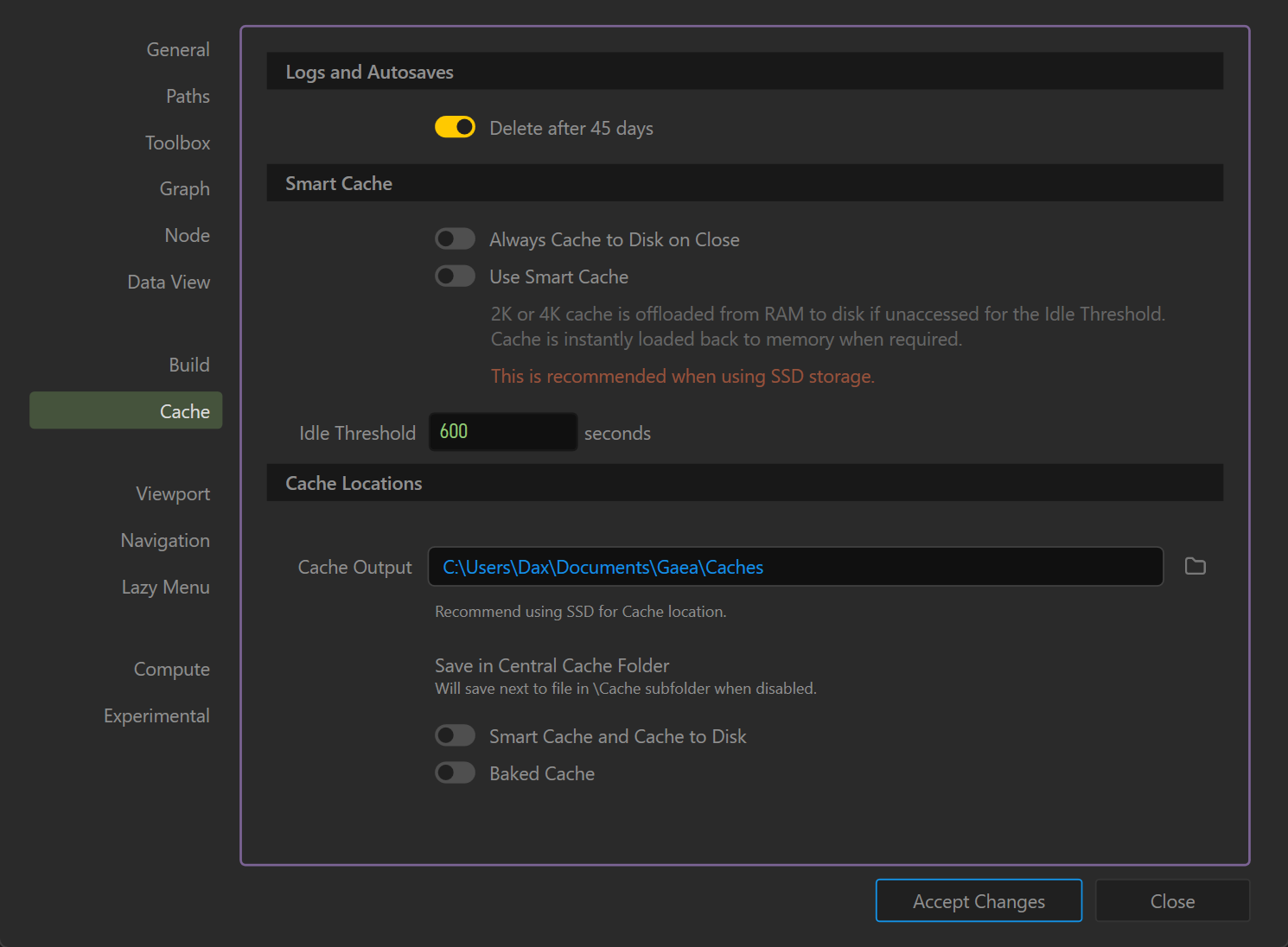
Logs and Autosaves
- Delete after 45 days (Toggle)
- When enabled, automatically deletes log files and autosaves older than 45 days.
- Helps prevent disk clutter over time.
Smart Cache
- Always Cache to Disk on Close
- Forces all cached data to be written to disk when Gaea closes, ensuring a fresh start next time but potentially increasing shutdown time.
- Use Smart Cache
- Offloads 2K or 4K cached terrain data from RAM to disk if unused for the configured Idle Threshold.
- Data is instantly reloaded to RAM when needed again.
- Recommended when the cache folder is on a fast SSD.
- Idle Threshold (seconds)
- Defines how long unused cached data stays in memory before being offloaded to disk.
- Default: 600 seconds (10 minutes).
Cache Locations
- Cache Output (Path)
- Sets the location for storing cached data.
- SSD storage is recommended for faster read/write speeds.
- Use the folder icon to select a new directory.
- Save in Central Cache Folder (Toggle)
- Enabled: All caches are stored in the central cache directory.
- Disabled: Cache files are saved next to the working project file, in a
\Cachesubfolder.
- Smart Cache and Cache to Disk (Toggle)
- Forces use of Smart Cache with disk writing, overriding per-project settings.
- Baked Cache (Toggle)
- Keeps baked (pre-computed) node results cached permanently, even across sessions, for faster graph reloads.
- Useful for heavy projects where nodes rarely change.
Notes
- Enabling Smart Cache on SSD can greatly reduce RAM usage without impacting performance.
- If using a slower HDD, keeping Smart Cache disabled may be preferable to avoid latency when reloading cached data.
- Large projects can quickly grow the cache folder; periodically clean it if disk space is limited.
 using AngryMonkey