
The Experimental tab provides access to preview and in-development features of Gaea. These options are not final and may change or be removed in future updates. They can improve performance or alter behavior but may cause instability.
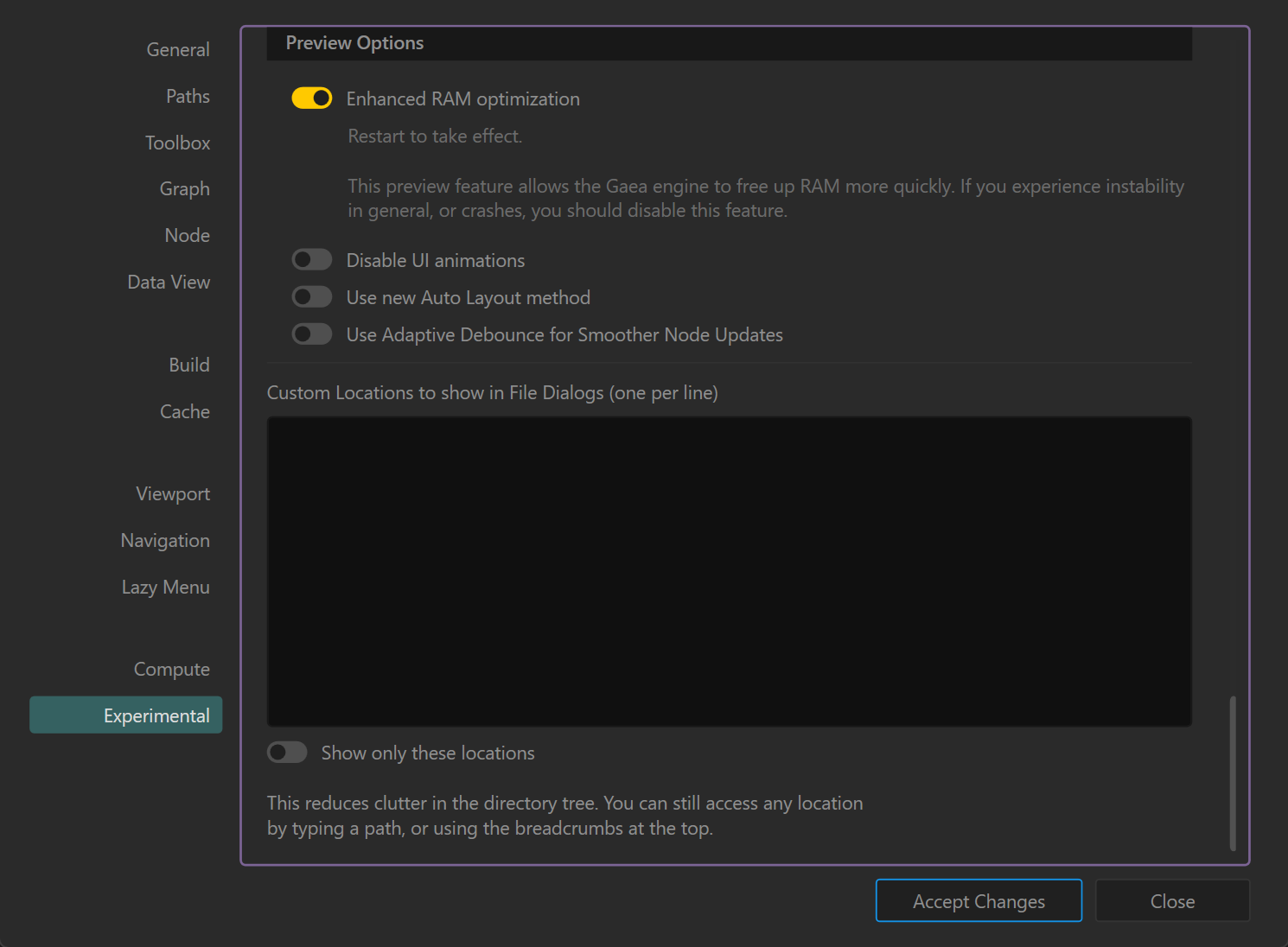
Preview Options
Enhanced RAM Optimization (Restart required)
- Function: Frees up RAM more aggressively during heavy workloads.
- When to use: If you work on large graphs and experience high memory usage.
- Note: Disable this feature if you encounter unexpected crashes or instability.
Disable UI Animations
- Function: Turns off non-essential UI animations for improved responsiveness.
- Use case: Recommended for low-end systems or users who prefer a static interface.
Use New Auto Layout Method
- Function: Applies an updated experimental algorithm for automatic node graph layout.
- Use case: May provide cleaner arrangements but can behave unpredictably in complex graphs.
Use Adaptive Debounce for Smoother Node Updates
- Function: Dynamically adjusts refresh timing to improve graph update smoothness during heavy edits.
- Benefit: Reduces stuttering when rapidly making changes to large graphs.
Custom Locations in File Dialogs
- Purpose: Allows you to define specific folder shortcuts that appear in Gaea’s file open/save dialogs.
- Usage:
- Enter one directory path per line.
- Toggle Show only these locations to hide all other folders from the quick-access panel.
- You can still access any path manually by typing or using breadcrumbs.
Usage Tips
- Experimental features may change behavior across sessions.
- Restart Gaea after toggling Enhanced RAM Optimization for it to take effect.
- Avoid enabling multiple experimental features at once if troubleshooting stability issues.
 using AngryMonkey