
The Graph tab controls the behavior, snapping, and visibility of certain interface elements within the node graph workspace, allowing customization of layout precision and shortcut handling.
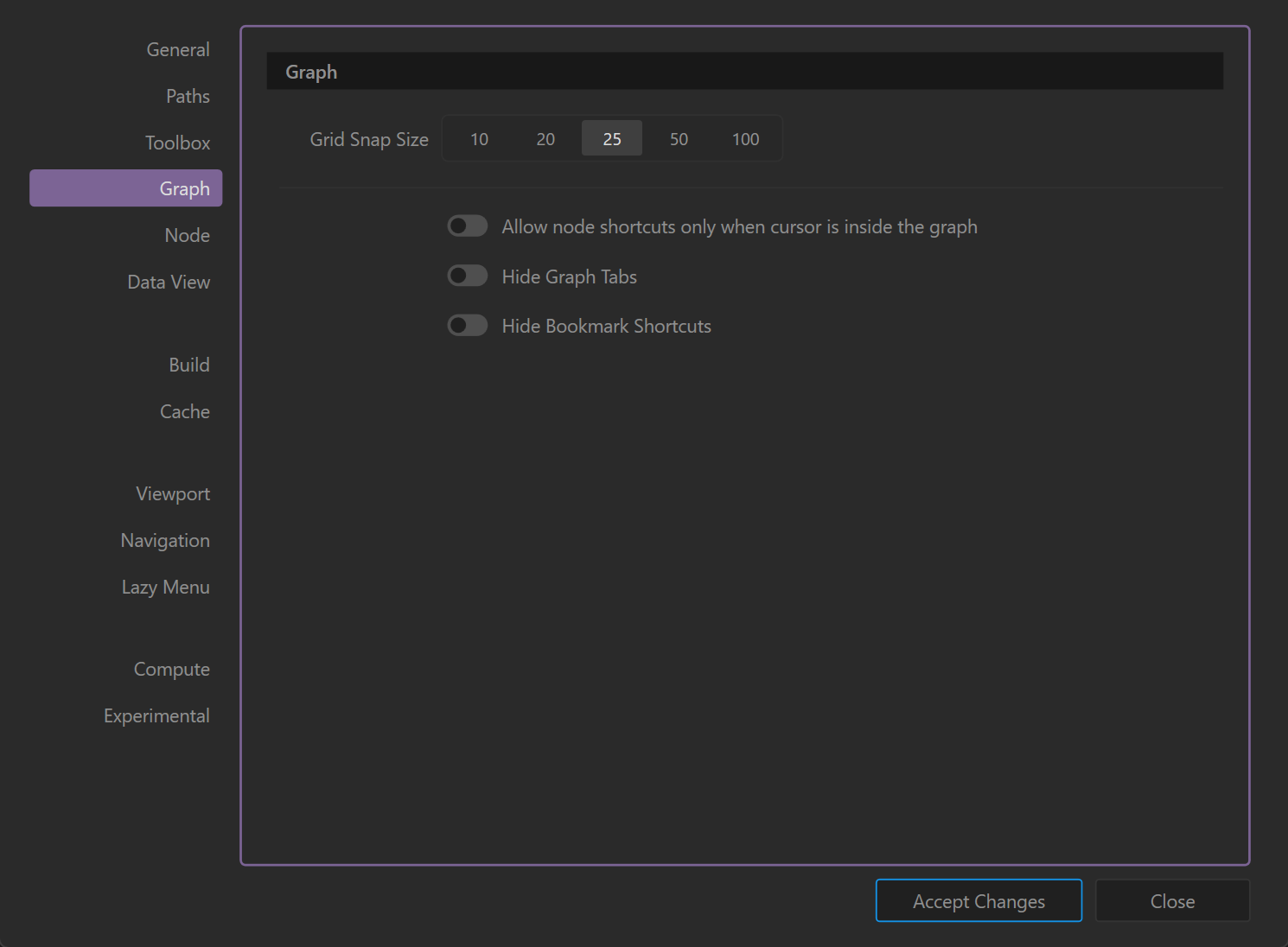
Grid Snap Size
Determines the distance between snap points on the graph grid:
- 10 / 20 / 25 / 50 / 100
- Selects the pixel spacing for grid snapping when moving or placing nodes.
- Smaller values allow finer positioning, larger values create coarser alignment. (Default: 25)
Allow Node Shortcuts Only When Cursor is Inside the Graph
- Enabled: Keyboard shortcuts for creating nodes only work when the cursor is actively hovering over the graph workspace.
- Disabled: Shortcuts work globally, even when the cursor is outside the graph.
Hide Graph Tabs
- Enabled: Hides the row of tabs at the top of the graph panel (used when working with multiple graphs).
- Disabled: Graph tabs remain visible for easy switching.
Hide Bookmark Shortcuts
- Enabled: Hides bookmark shortcut buttons in the graph workspace to reduce visual clutter.
- Disabled: Bookmark buttons stay visible for quick navigation.
Notes
- Adjust grid snapping based on personal preference or the scale of your graph layout.
- For multi-graph projects, keeping tabs visible is recommended for fast navigation.
- The cursor-based shortcut restriction is helpful to avoid accidental node creation while using shortcuts elsewhere in the UI.
 using AngryMonkey