
Download the Gaea Unreal Tools installer from the the Gaea Tools Menu > Plugins.
Source Code Repository
Source code for the Gaea2Unreal plugin can be found on the official GitHub Repository.
Install to Engine Plugins
Open the Zip file for the version of Unreal Engine you are running, and extract the zip files to your Unreal Engine's install folder in this subpath: \Engine\Plugins\
NOTE: The GaeaUnrealTools folder is already contained in the zip file, so you will be installing the plugin files to the path \Engine\Plugins\GaeaUnrealTools
Install to a Project
Instead of Engine\Plugins you can install to the <Project>\Plugins folder instead to keep the plugin contained within your project.
Running the Plugin
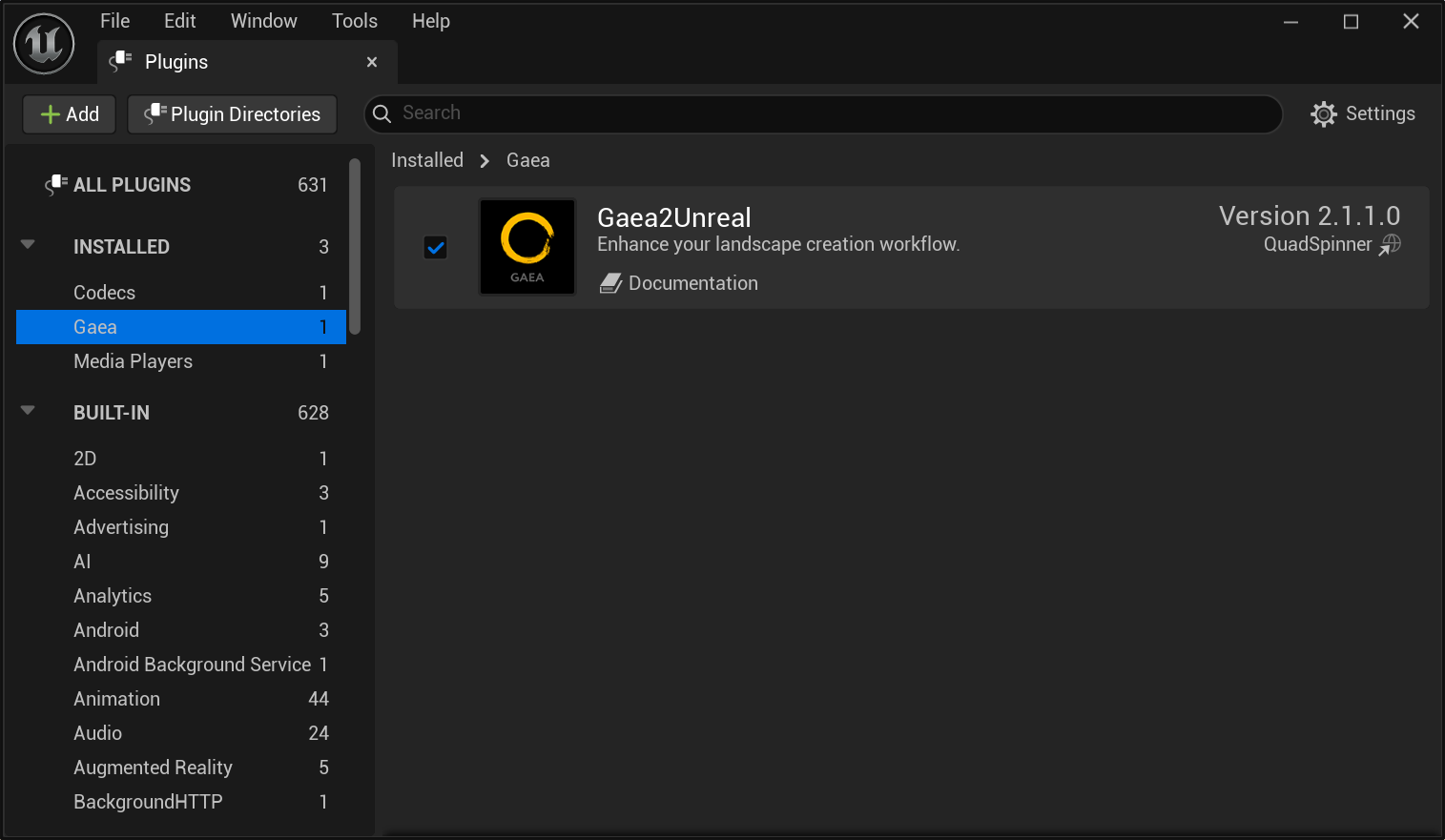
Once installed, launch Unreal Engine. Open the Plugins window and check Gaea2Unreal
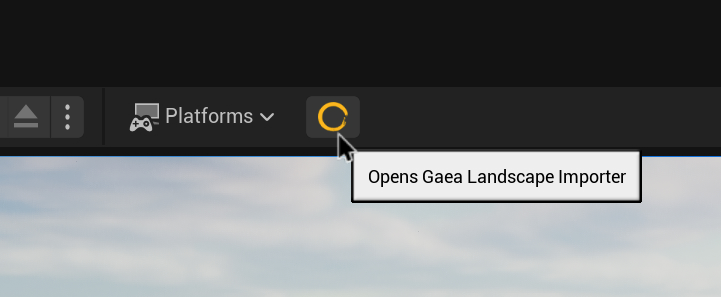
Once the plugin is loaded (a restart may be required) - you will find the Gaea Landscape Importer in the main toolbar.
If you do not install to GaeaUnrealTools folder then Unreal may have trouble recognizing the icon in the toolbar.
 using AngryMonkey