
Synth can take a bitmap image whether photo or artwork and convert it to CLUT map that can be used with a texture mask of to colorize your terrain.
When to Use It
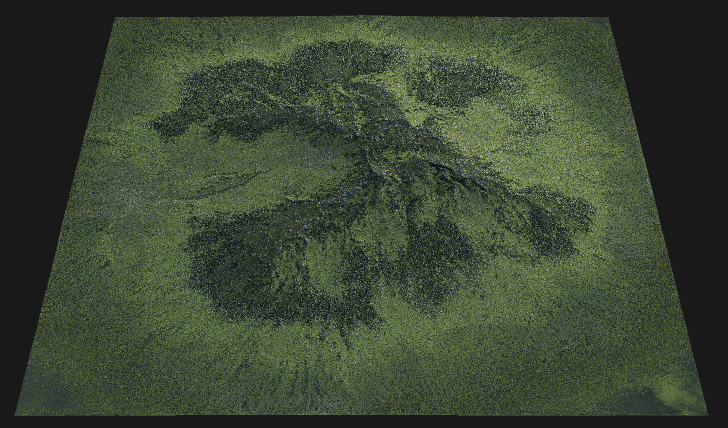
Use Synth when you want a photo or painted palette to drive terrain coloration while still respecting procedural masks and selectors.
Visual Direction
Properties
| Synth | |
| Data | Input data for the node, such as source terrain or mask information. |
| SamplingSpecifies the number of color stops or samples in the synthesized gradient. Higher values produce smoother gradients. | |
| Samples | Specifies the number of color stops or samples in the synthesized gradient. Higher values produce smoother gradients. 8Generates a gradient with 8 color stops. Suitable for coarse transitions. 16Generates a gradient with 16 color stops. Provides a moderately smooth transition. 24Generates a gradient with 24 color stops. Offers finer color transitions. 36Generates a gradient with 36 color stops. Useful for detailed gradients. 64Generates a gradient with 64 color stops. Produces a very smooth color lookup. 128Generates a gradient with 128 color stops. Ideal for high-fidelity color transitions. 256Generates a gradient with 256 color stops. Recommended for ultra-smooth gradients. 1024Generates a gradient with 1024 color stops. Used for extremely fine color detail. 2048Generates a gradient with 2048 color stops. Maximum smoothness for professional-grade color lookup. |
| Fuzzy | Controls the amount of fuzziness or blur applied to the gradient, affecting the softness of color transitions in the bitmap image. |
| Offset | Shifts the position of the gradient along its axis, allowing adjustment of where color stops are mapped. |
| Seed | Defines the randomization pattern or seed for the node's process, ensuring reproducible results when generating gradients. |
| Commands | |
| Synthesize Colors | Generates a color lookup gradient based on the specified number of samples and other parameters. The resulting gradient can be used for terrain coloring or other visual effects. |
| Export JSON | Exports the synthesized gradient and node configuration as a JSON file for use in other applications or for documentation purposes. |
 using AngryMonkey