
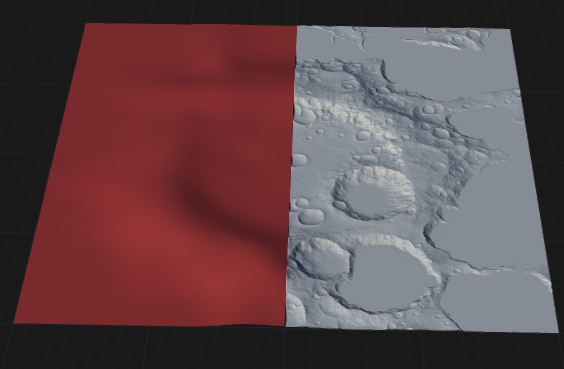
The Filter node shapes the terrain's frequency content using an audio-inspired parametric filter. Useful for isolating or suppressing features at specific scales.
When to Use It
Use Filter when you need a profile-based remap that changes how terrain values respond without fully rebuilding the form.
Visual Direction
Properties
| Filter | |
| Mode | Selects the filter response curve used to shape terrain detail by frequency (scale). Low PassKeeps large-scale forms and smooths out high-frequency detail. High PassKeeps fine detail and removes broad, low-frequency forms. Low ShelfBoosts or cuts low frequencies while leaving higher frequencies mostly unchanged. High ShelfBoosts or cuts high frequencies while leaving lower frequencies mostly unchanged. Band PassKeeps a band of mid frequencies and attenuates both low and high frequencies outside the band. NotchRemoves a narrow band of frequencies while leaving the rest mostly unchanged. BellBoosts or cuts a centered frequency band with a controllable bandwidth. |
| Frequency | The center/cutoff frequency of the filter (controls which detail scale is affected). |
| Gain | Amount of boost or cut applied (used by shelf and bell modes). |
| Q | Filter sharpness/bandwidth (higher Q = narrower, more selective band; lower Q = broader influence). |
| Keep DC | Preserves the overall baseline/average height (DC offset) so the filter affects detail without shifting the mean elevation. |
 using AngryMonkey