
Official Video
For a video breakdown of this node, see the official SoftClip video.
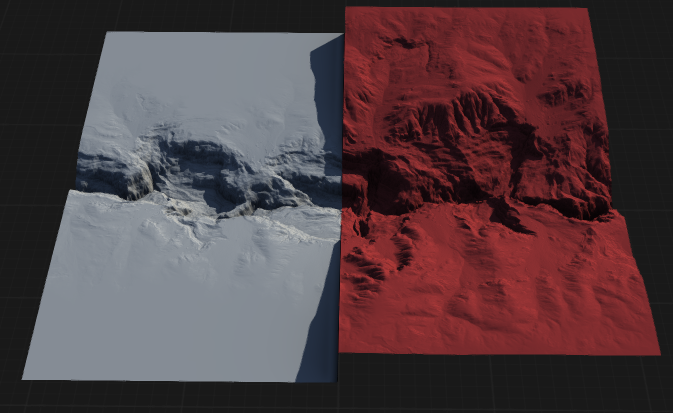
SoftClip a low-level utility that lets you softly reduce the intensity of shapes above a specified threshold. It can be comparable to masking a shape with a Height node and then clamping that portion. Unlike such a custom set up, the SoftClip node gives better results at a tremendously faster speed and requires no setup.
When to Use It
Use SoftClip when peaks or high values need to be reduced gently instead of with a hard clamp.
Visual Direction
Properties
| SoftClip | |
| Clip Mode | Selects whether the soft clipping effect is applied above or below the specified threshold. Above ThresholdApplies soft clipping to values above the threshold, gently compressing high values toward the threshold. Below ThresholdApplies soft clipping to values below the threshold, gently compressing low values toward the threshold. |
| Threshold | Sets the value at which soft clipping begins. Values above or below this threshold (depending on mode) will be affected. |
| Softness | Controls the smoothness of the transition at the threshold. Higher values create a more gradual, less abrupt clipping effect. |
| Clipping | Adjusts the overall strength of the clipping effect, determining how much values are compressed toward the threshold. |
 using AngryMonkey