
When to Use It
Use Pattern when you need repeatable geometric or decorative patterns for masking and stylized terrain work.
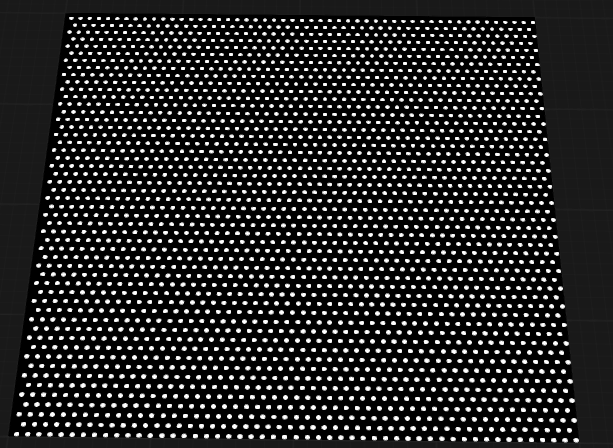
Visual Direction
Properties
| Pattern | |
| Size | Controls the overall scale of the pattern, affecting the size of the repeated elements across the terrain. |
| Dot Size | Sets the size of individual dots or elements within the pattern. Larger values produce bigger dots or features. |
| Spacing | Determines the distance between pattern elements, such as lines, dots, or grid cells. Higher values increase the gap between elements. |
| Steps | Specifies the number of discrete steps or repetitions in the pattern, influencing the frequency and repetition of elements. |
| Direction | Sets the orientation or angle of the pattern, allowing you to rotate lines, engravings, or grids as needed. |
| Type | Selects the style of pattern to generate. Each type produces a distinct arrangement of elements. LinesGenerates a pattern of parallel lines, useful for striations or directional effects. EngravingCreates a pattern resembling engraved or incised lines, adding fine detail and texture. GridProduces a grid pattern with intersecting horizontal and vertical lines, forming a tiled appearance. DotsGenerates a regular array of dots, ideal for stippling or point-based patterns. |
| Pixel Size | Adjusts the resolution or granularity of the pattern, controlling how fine or coarse the pattern details appear. |
 using AngryMonkey