
When to Use It
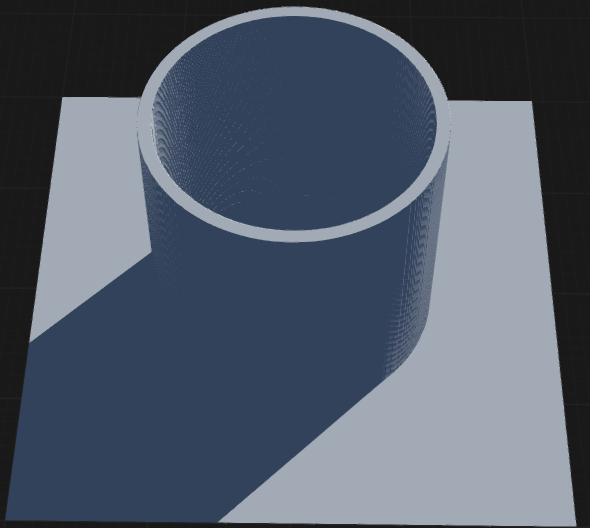
Use Shape when you need basic geometric terrain shapes for use as primitives or masks.
Visual Direction
Properties
| Shape | |
| Geometry | Specifies the base geometric shape used for the node. Determines the fundamental outline or profile of the generated object. CircleGenerates a circular shape as the base geometry, resulting in round or elliptical forms. RectangleGenerates a rectangular shape as the base geometry, resulting in box-like or elongated forms. |
| Sides | Defines the number of sides for polygonal shapes. Higher values create shapes closer to a circle, while lower values produce more angular forms. |
| Uniform | When enabled, ensures that scaling and transformations are applied equally in all directions, maintaining the original proportions of the shape. |
| Scale | Controls the overall size of the shape, scaling it uniformly along both the X and Y axes. |
| Scale X | Adjusts the width of the shape by scaling it along the X axis independently. |
| Scale Y | Adjusts the height of the shape by scaling it along the Y axis independently. |
| Thickness | Specifies the thickness of the shape's outline or border, or the width of a ring for hollow shapes. |
| Height | Sets the vertical extent or elevation of the shape, often used to define extrusion or relief in terrain generation. |
| X | Sets the horizontal position or offset of the shape along the X axis. |
| Y | Sets the vertical position or offset of the shape along the Y axis. |
 using AngryMonkey