
Anastomosis creates interconnected water flow based downcutting, ranging from small pits to large river channels. It can be used for roughening up a surface without losing the features of that terrain, and for deepening existing flow structures.
Before and after Anastomosis.
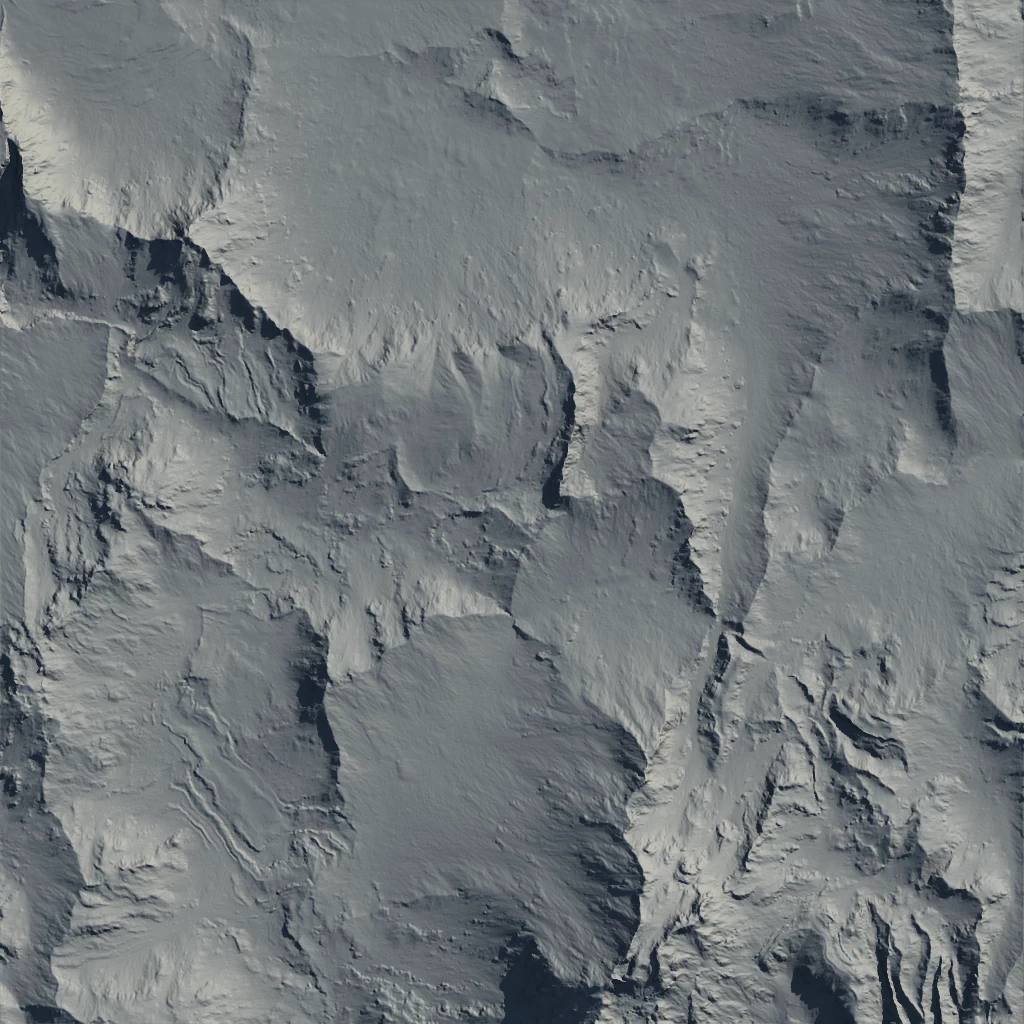
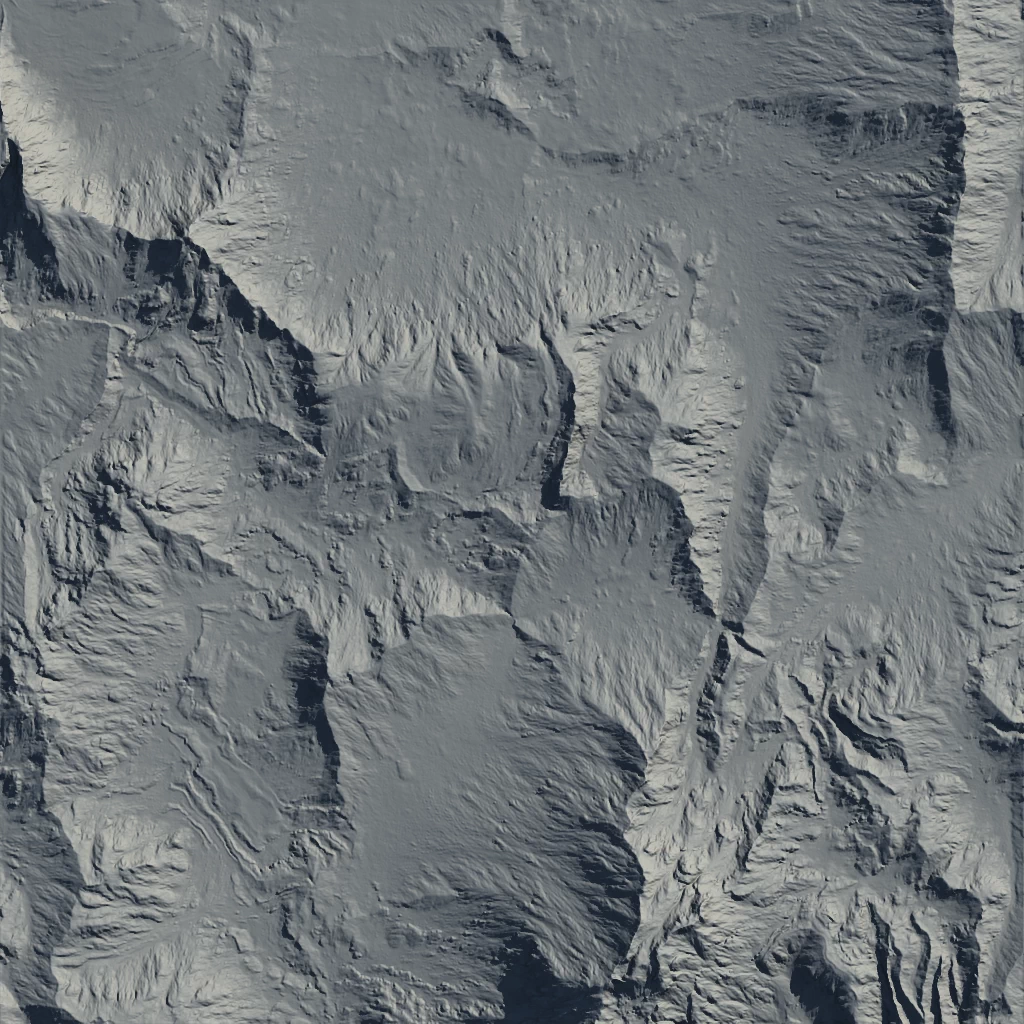
Using high Impact and Influence values in Destructive mode.
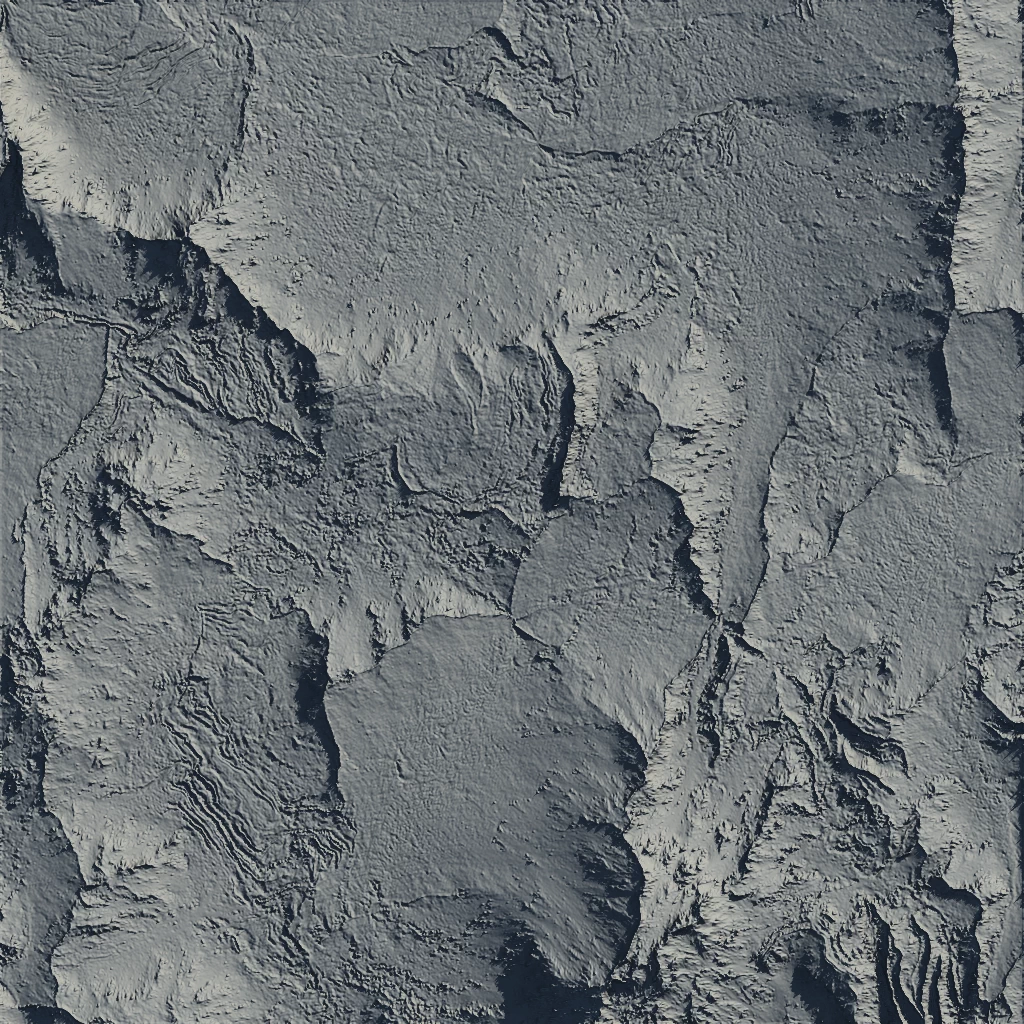
Using a high Impact value in Rivers mode.
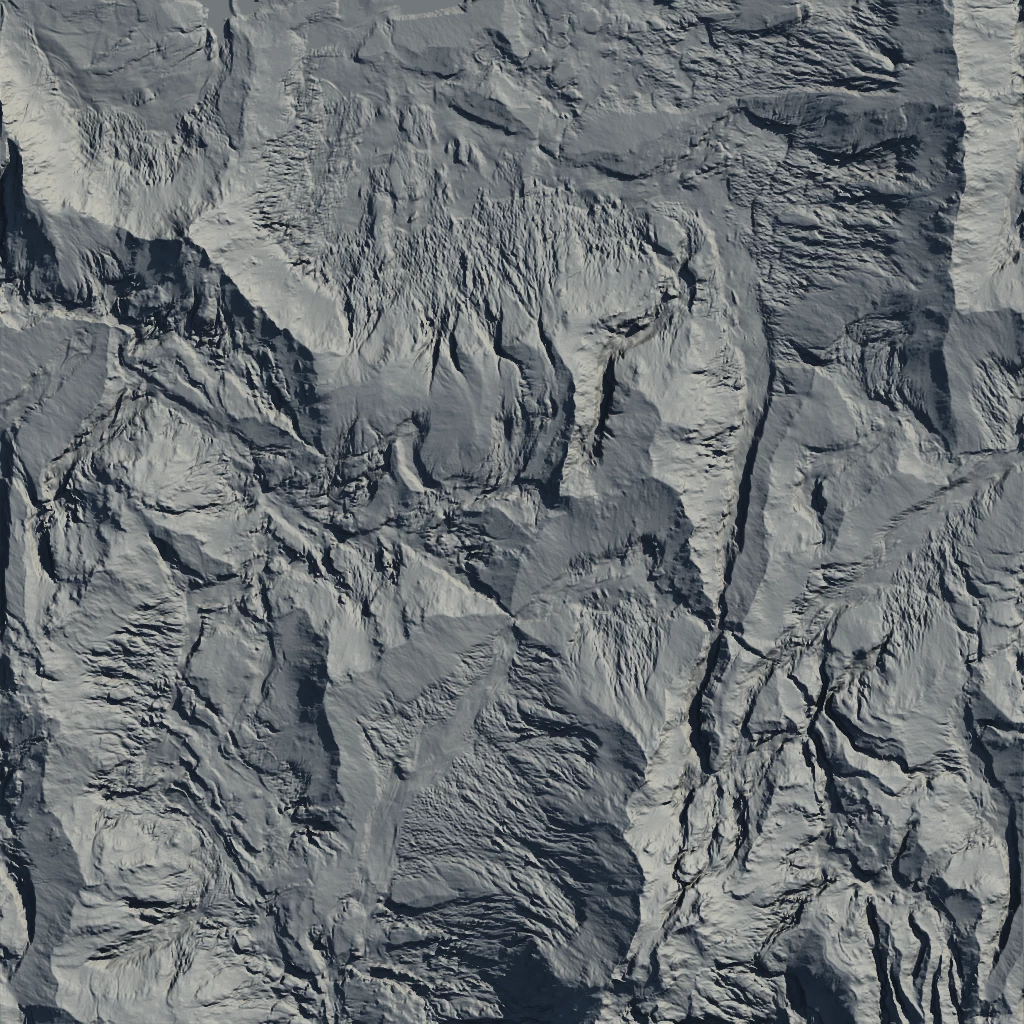
When to Use It
Use Anastomosis when you need interconnected water flow based downcutting, ranging from small pits to large river channels.
Properties
| Anastomosis | |
| Impact | The intensity of the process. Higher values create stronger physical impacts within the erosion process. |
| Width | Controls the horizontal spread of the anastomosis effect. Larger values produce wider channels and features. |
| Depth | Determines the vertical extent of the erosion. Higher values result in deeper cuts and more pronounced terrain features. |
| Downcutting | Specifies the style and aggressiveness of vertical erosion. Select from various modes to control how the terrain is carved downward. DestructiveApplies aggressive downcutting, rapidly eroding and deepening channels. PitsFocuses erosion into localized depressions, creating pit-like features. FlowsSimulates water flow erosion, carving smooth, continuous channels. RiversEmphasizes river-like downcutting, forming distinct riverbeds. Riversx 2Doubles the intensity of river downcutting for deeper, more defined riverbeds. Riversx 4Quadruples the river downcutting effect, producing extremely deep and prominent river channels. FloodingSimulates broad, shallow erosion typical of flooding events. Floodingx 2Doubles the flooding effect, increasing the area and depth of flood erosion. Flooding X4Quadruples the flooding effect, creating extensive and deep flood-eroded regions. |
| Quality | Sets the processing resolution for the node. Higher quality yields more detailed results at the cost of performance. QuarterProcesses at 1/4 resolution for fastest performance and lowest detail. ThirdProcesses at 1/3 resolution, balancing speed and detail. HalfProcesses at 1/2 resolution for moderate detail and performance. FullProcesses at full resolution for maximum detail and slower performance. |
| Smooth Edges | Softens the edges of eroded features, reducing sharp transitions and creating a more natural appearance. |
 using AngryMonkey