
Official Video
For a video breakdown of this node, see the official IceFloe video.
Example Files
Download the tutorial file from the Gaea community thread: IceFloe node tutorial file.
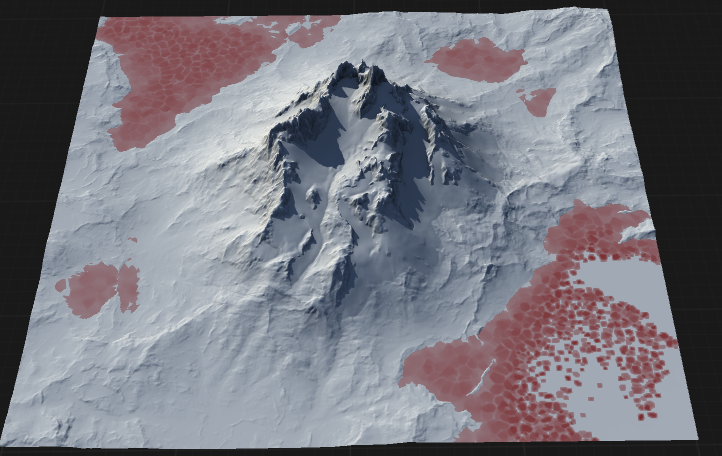
Icefloe creates flat plates of ice inside a water body.
When to Use It
Use IceFloe when a water body needs broken plates of ice rather than open water or a continuous frozen surface.
Visual Direction
Properties
| IceFloe | |
| Size | Controls the overall scale of the ice floes. Higher values produce larger ice sheets or floes across the terrain. |
| Density | Adjusts how many ice floes are distributed across the surface. Higher values increase the number of floes per area. |
| Layers | Sets the number of distinct ice layers, allowing for multi-layered ice formations and increased visual complexity. |
| Thickness | Specifies the vertical thickness of the ice floes, determining how prominent or deep the ice appears. |
| Shaper 1 | Applies the first shaping function or modifier to the ice floes, affecting their outline and internal structure. |
| Shaper 2 | Applies a secondary shaping function or modifier, allowing for additional variation and detail in the ice floes. |
| Reverse | Inverts the effect of the primary shaping function, altering the distribution or orientation of the ice floes. |
| Reverse 2 | Inverts the effect of the secondary shaping function, providing further control over the appearance of the ice floes. |
| Seed | The randomization pattern or seed for the node's process. Changing the seed produces different ice floe arrangements. |
 using AngryMonkey