
When to Use It
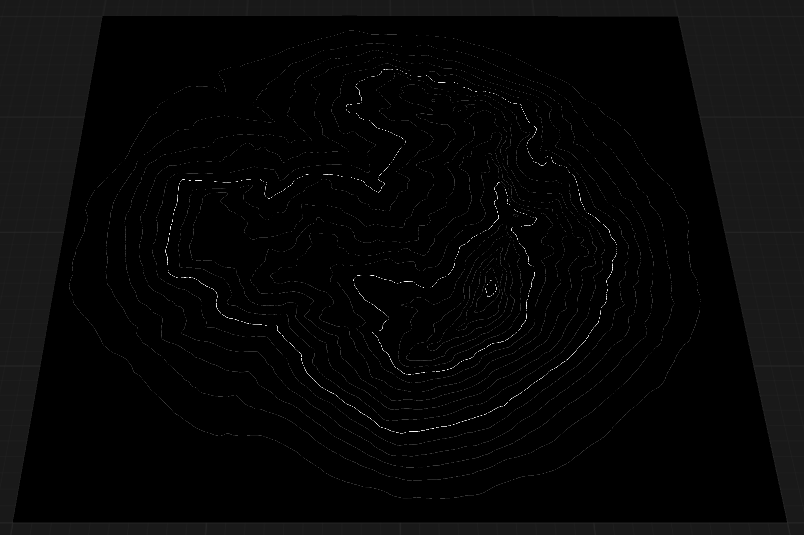
Use Contours when you need map-like contours for a terrain.
Visual Direction
Properties
| Contours | |
| Count | Sets the number of main contour lines to generate. Higher values create more elevation bands across the terrain. |
| Subdivision | Controls the number of subdivisions between main contour lines, adding finer detail and intermediate lines. |
| Accuracy | Adjusts the precision of contour line placement. Higher accuracy produces more exact lines that closely follow the terrain's elevation. |
| LinesControls the brightness or opacity of the main contour lines, making them more or less prominent in the output. | |
| Line Intensity | Controls the brightness or opacity of the main contour lines, making them more or less prominent in the output. |
| Sub Intensity | Adjusts the brightness or opacity of the subdivision lines, which are the finer lines between main contours. |
| Line Thickness | Specifies the thickness of the contour lines. Higher values produce bolder, wider lines. |
 using AngryMonkey