
Lock Preview
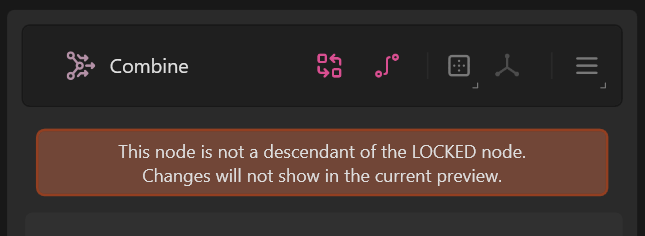
Locking preview to a node shows only the that node in the viewport. When a node preview is locked, changes made to the other nodes will force updates to all nodes between that node and the locked node. This allows you to see the end result of a change.
To pin a node, right-click it and select Lock Preview. You can also select the node and press F. Now when you edit any other node before the locked node, the changes will propagate all the way to the locked node every time.
The locked node can be accessed quickly from the Toolbar in the Data Editor. It is shown as a green link.
 using AngryMonkey