
The Regions tab lets you define focused areas of the terrain that can be built or refined separately at higher effective detail. Gaea can store multiple regions and preview them individually.
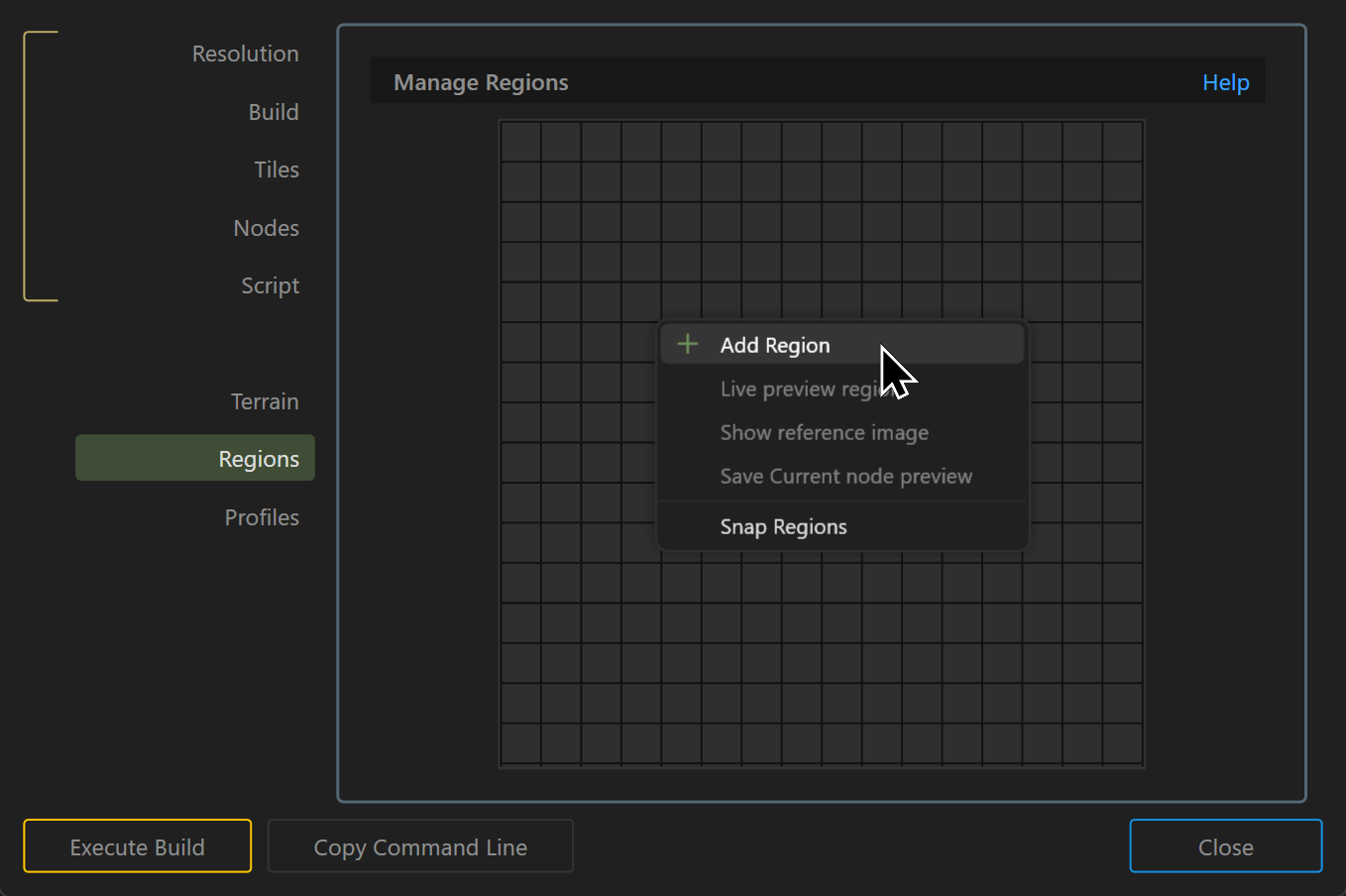
Working with Regions
To add a region, right-click in the Regions surface and choose Add Region. After the region is created, drag the handle in the lower-right corner to resize it.
See Managing Regions for more detail.
 using AngryMonkey