
Viewing and Deallocating License Tokens
By default, the Fortress Console shows only Tenants and does not auto-refresh to avoid unnecessary server load.
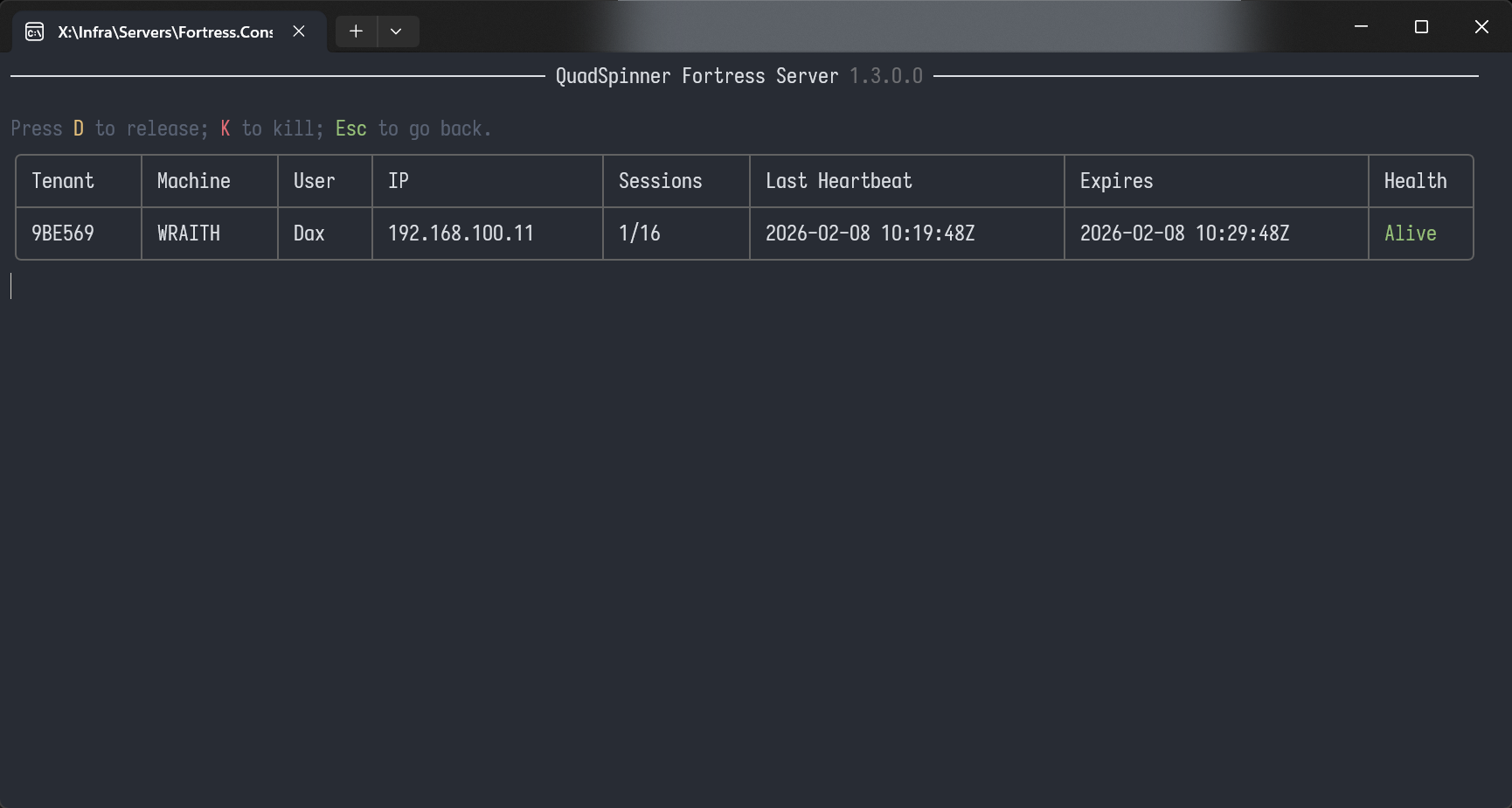
Select View Allocations to see a live list of allocated licenses.
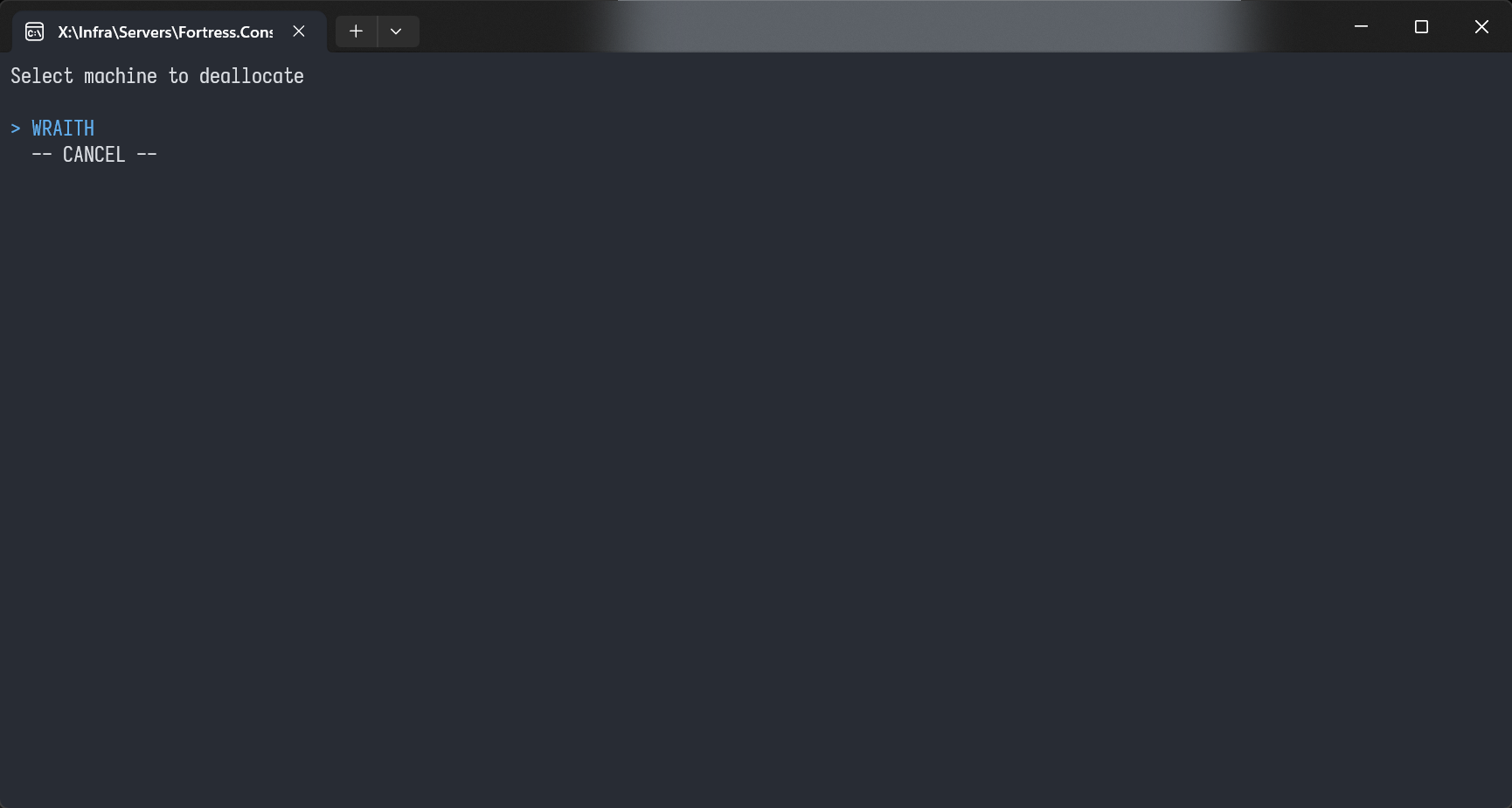
To deallocate a license, select the target machine. All sessions on that machine will be released.
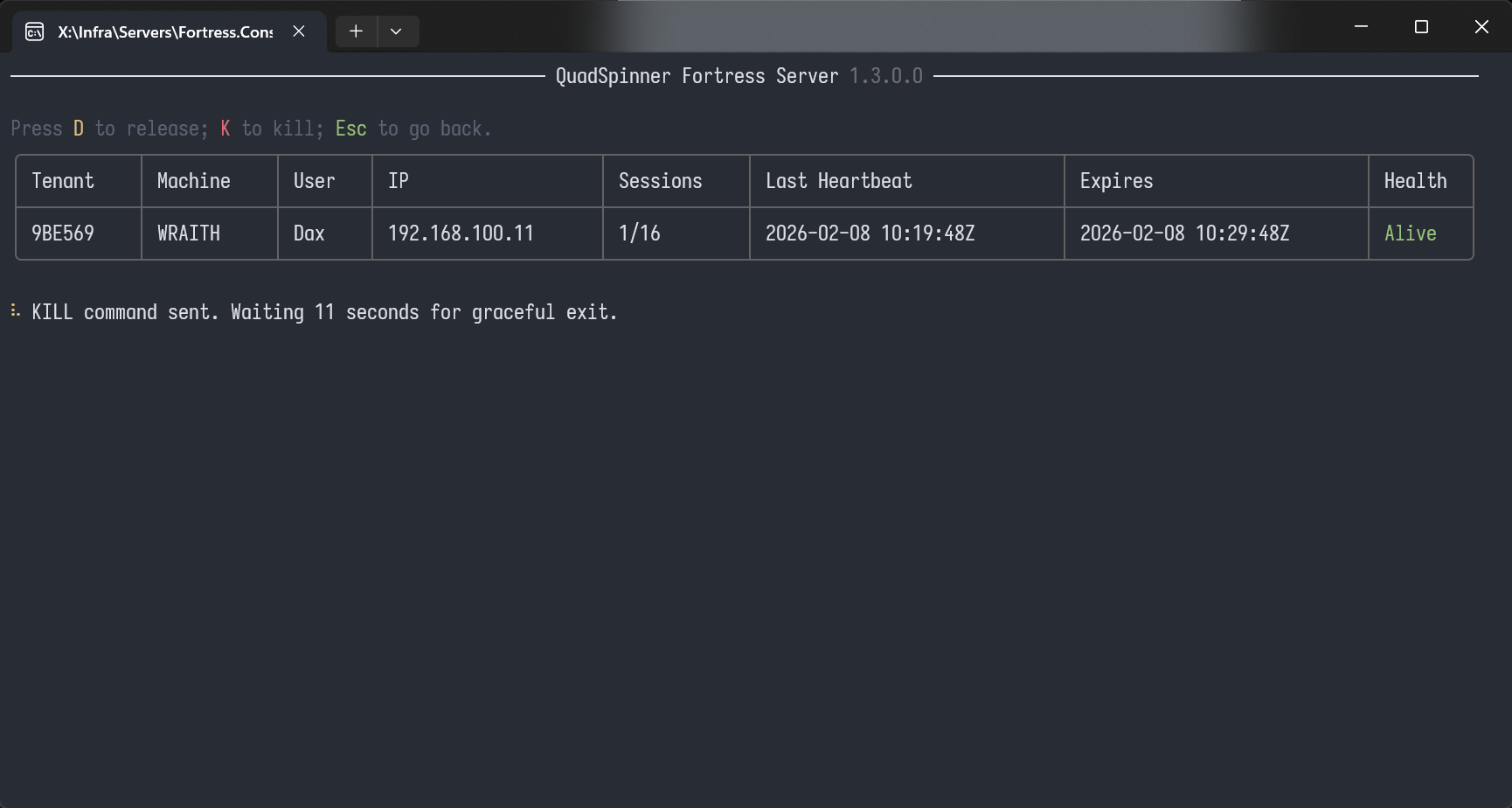
Two deallocation options are available:
- D (Graceful): Sends an "exit gracefully" command to the active Gaea instance and waits 10 seconds for it to be accepted and executed.
- K (Force Kill): Immediately deallocates the workstation on the server.
Local License Token
If needed, you can force a local deallocation by deleting token.lic from the Gaea Data Folder.
 using AngryMonkey