
Types of Licenses
License Key
A license key is an alphanumeric string in the format: XXXX-XXXX-XXXX-XXXX This is the preferred type of license and most users are given license keys.
License File
A license file is usually provided as a Gaea-XYZ123.lic where XYZ123 is your Transaction ID and should be kept private for your own security.
Loading a License
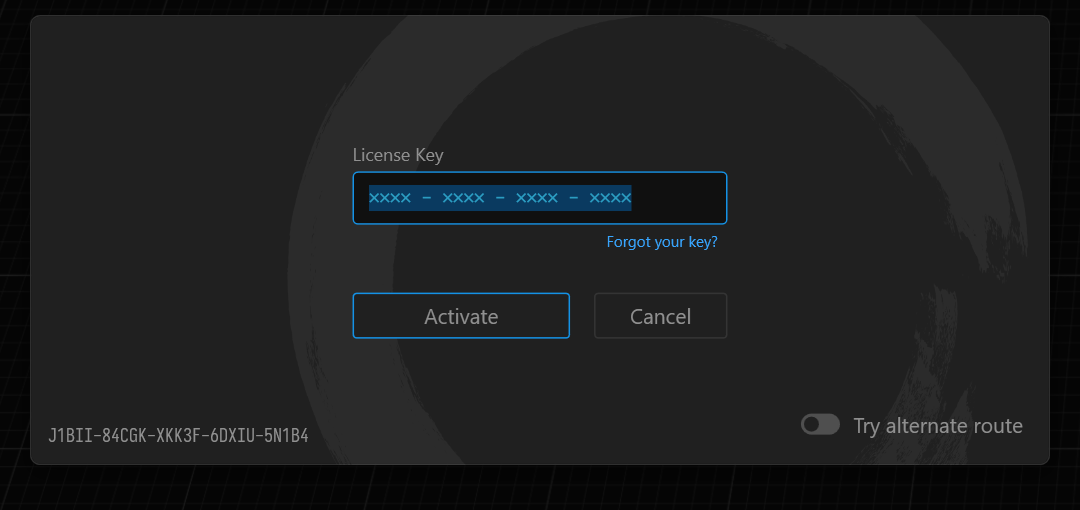
To load your license, enter the License Key in the Activation Dialog and click Activate. Gaea will communicate with the license server and authorize your installation.
If alternatively you have a License File, drag and drop the license file on the dialog and Gaea will activate using the license file.
Where can I access the Activation Dialog?
When running Gaea for the first time, you will be presented with a "Welcome" dialog. You can click the "Have a license key?" button to bring up the activation dialog.
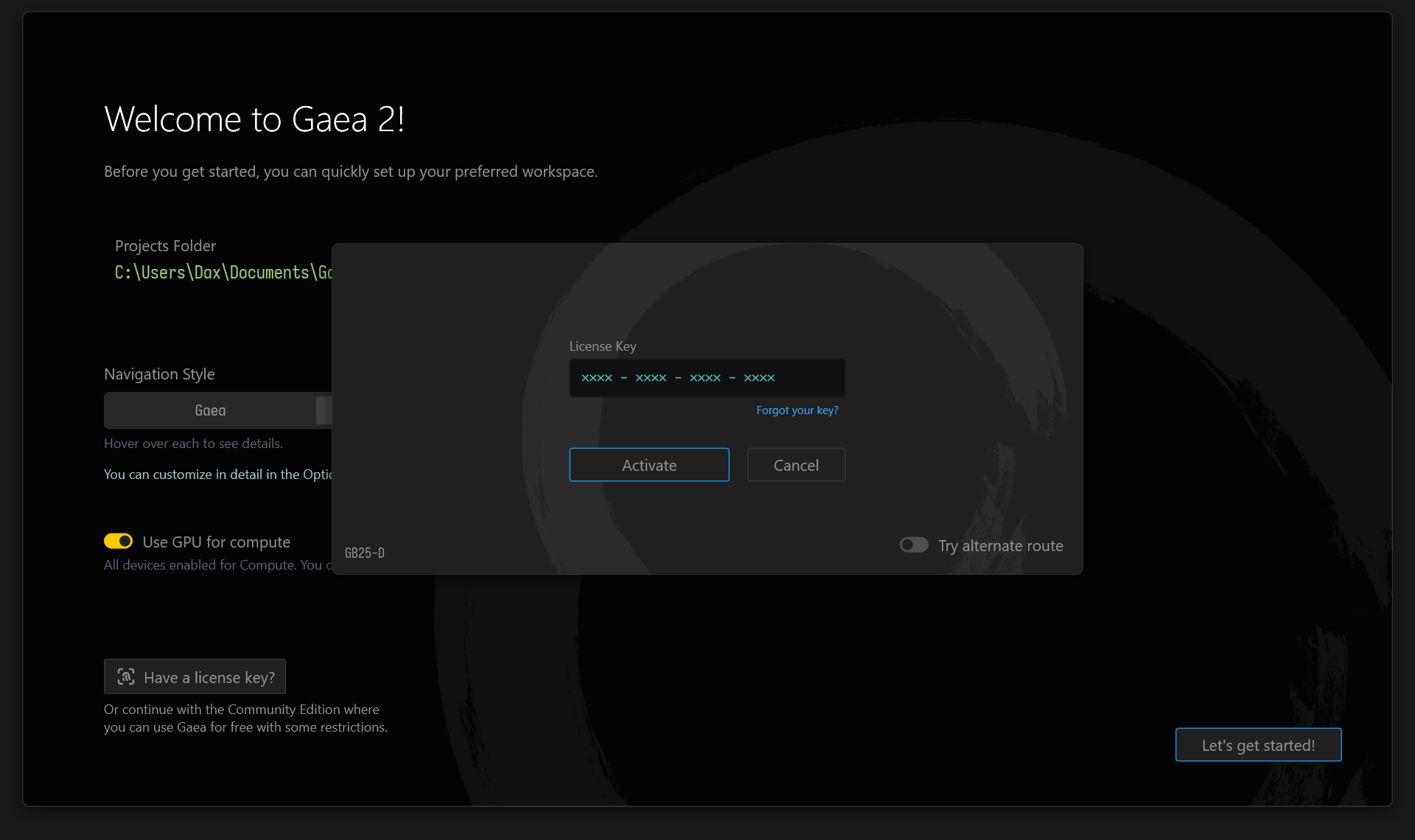
You can also access this same dialog in other ways:
- From the Startup Dialog when running the Community Edition.
- In Help menu > Manage License.
- In Help menu > About Dialog.
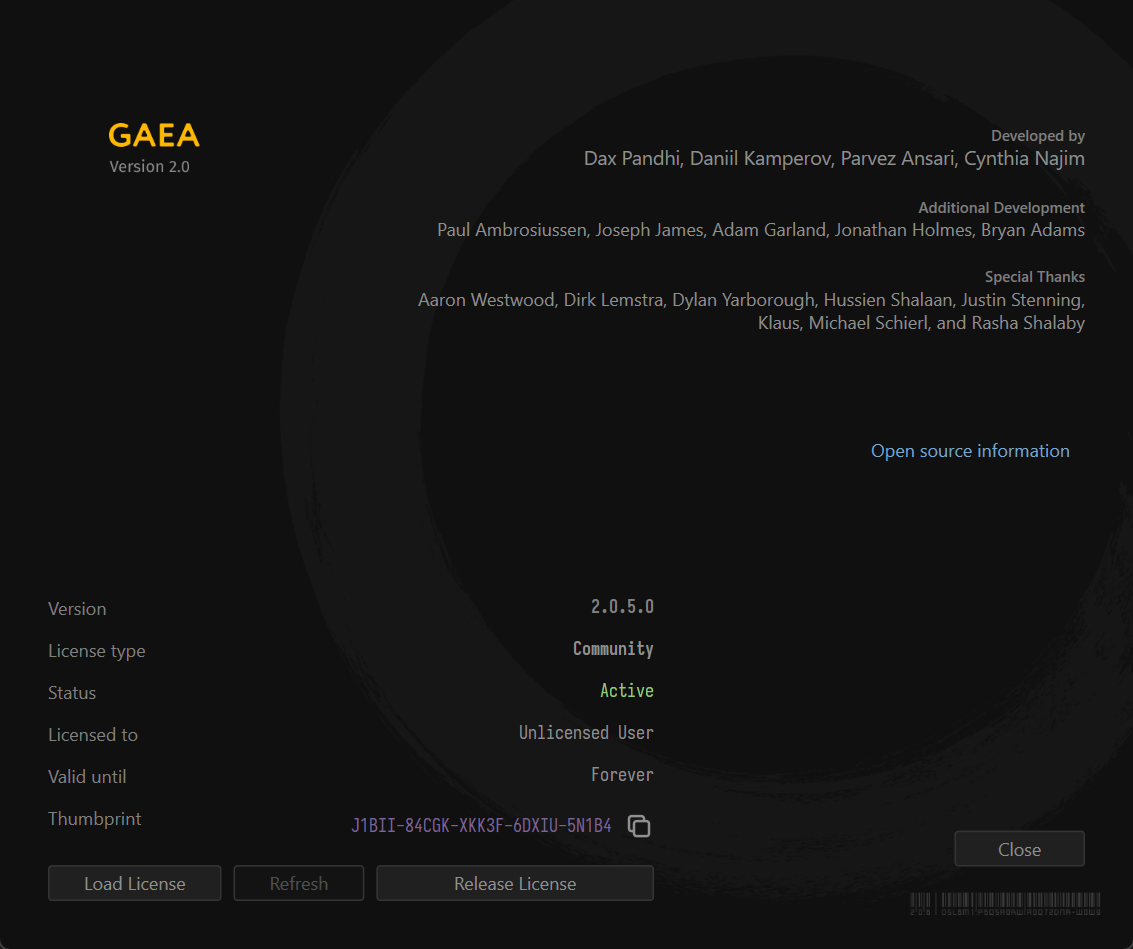
Activate by File
Use this method when you want to distribute the key but allow the end user machine to activate without admin intervention.
Create a text file named
activate.lic(Notepad is fine).Put only the license key in the file (no extra spaces, no additional lines).
Copy
activate.licto the Gaea Data Folder (see Paths and Storage).- For mass deployment, place it in each user’s
AppData > Gaea Datafolder, or in the install folder as appropriate for your deployment setup.
- For mass deployment, place it in each user’s
On launch, Gaea will check if a license is already validated. If not, it will attempt to read and activate using activate.lic.
 using AngryMonkey