
Before you begin, download the setup executable and review the prerequisites on Install Gaea.
Running the Setup
Regular installation is the recommended setup for most users. It installs Gaea like a standard Windows application and creates the registry entries needed by bridge integrations such as Gaea2Unreal and Gaea2Houdini.
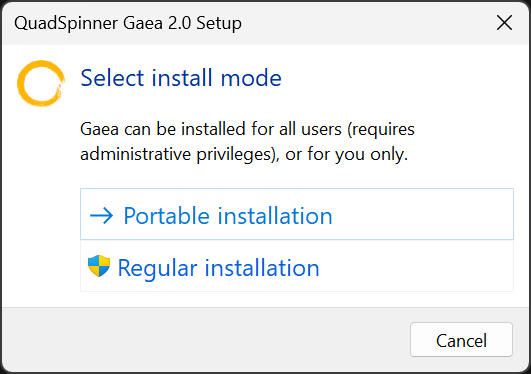
Choosing the Installation Type
Select Regular Installation. Choose Portable Installation only if you cannot use administrator privileges or need a self-contained deployment.
Regular installation requires administrator privileges. If you do not have them, use Portable Installation.
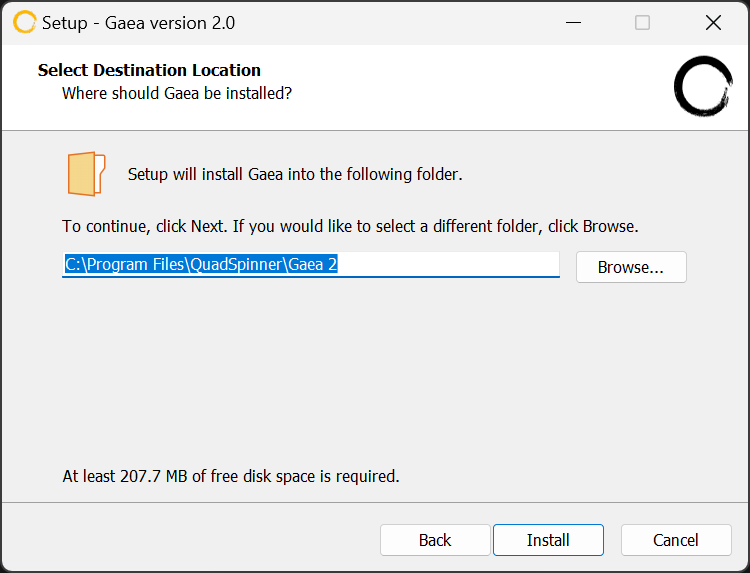
Choosing the Path
Choose where Gaea should be installed. In most cases, keep the default Program Files location, then click Install.
When installing to a network drive, it must be installed on a network share hosted as a drive and not a UNC path. Gaea may not work properly on UNC paths.
Gaea will now install. You will be given an option to launch Gaea once the installation is finished.
First Launch
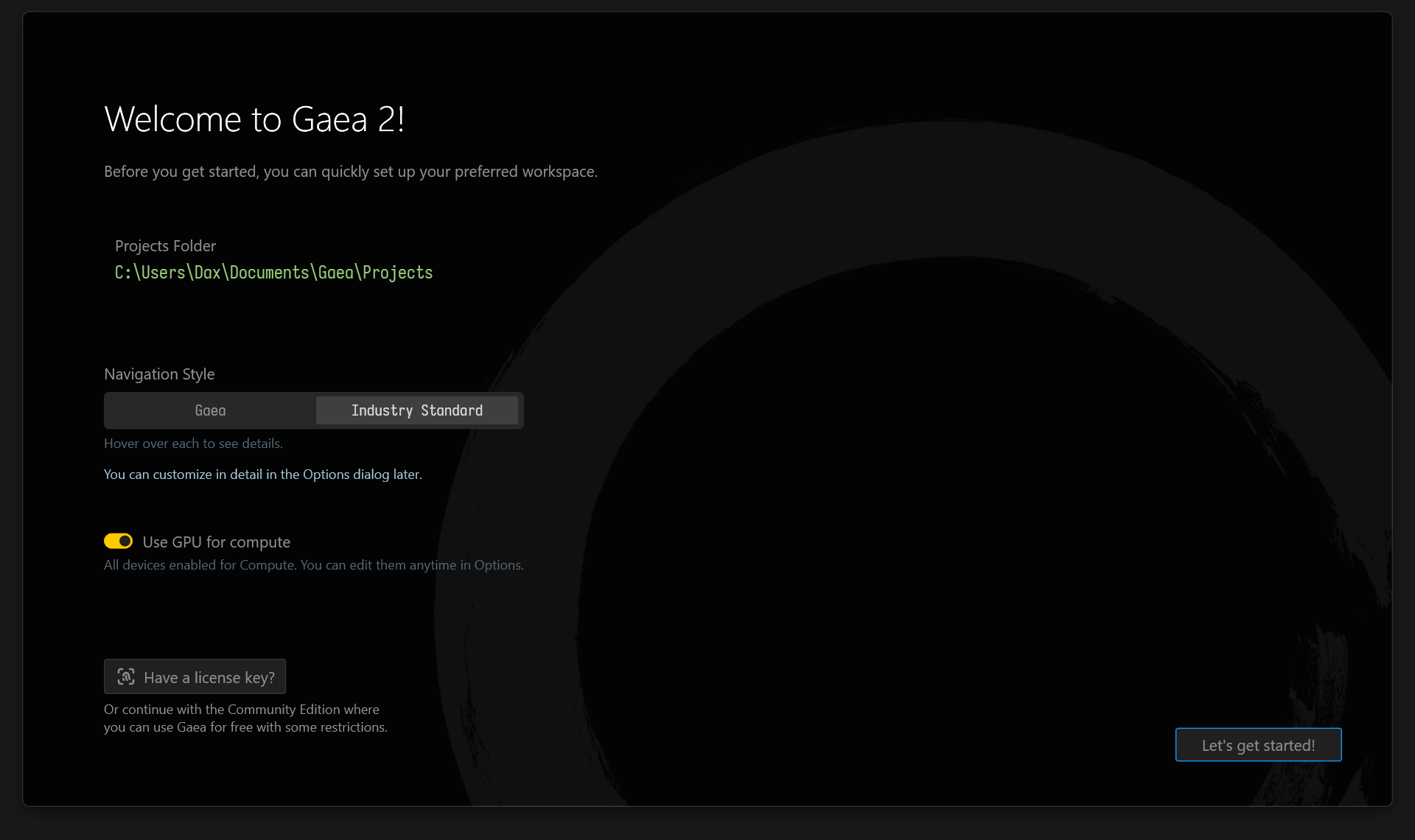
When Gaea launches for the first time, the Welcome dialog lets you set your Gaea Projects storage path and choose the Viewport navigation style.
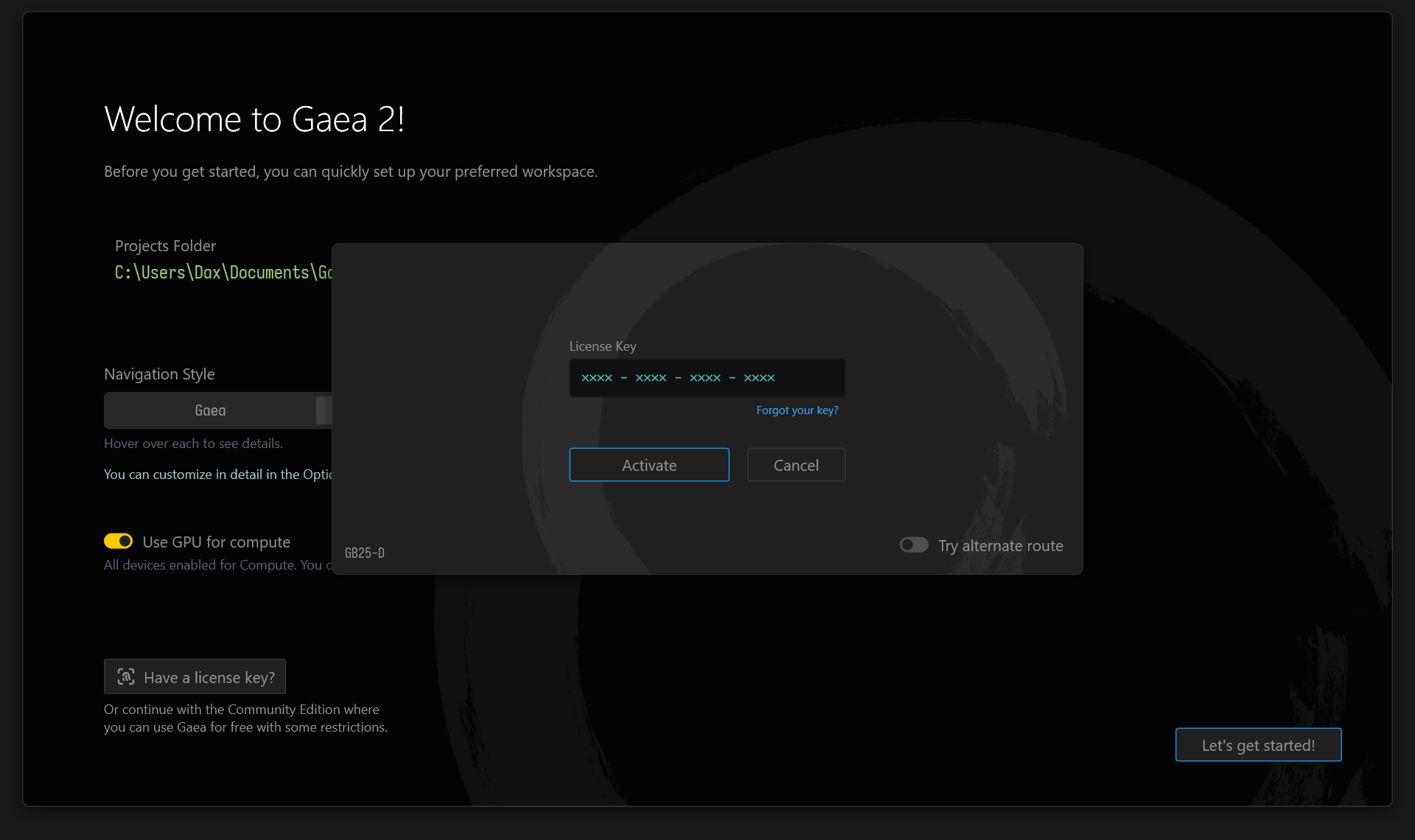
License Key
If you have a License Key, enter it here to activate the features included with your Gaea edition. You can find the License Key in the email you received after purchasing Gaea 2.
If you have forgotten your License Key, you can click "Forgot your key?" to log into the User Area on the QuadSpinner website.
You can also enter your License Key from the Start Screen whenever you start Gaea, or from Help > About. See Activation for more details.
File Licenses
For file-based licenses, drag the .lic file onto the license dialog. Gaea will consume the file and authorize your copy.
Gaea is now installed and you are ready to create Starter Guide!
Facing issues? See Troubleshooting.
 using AngryMonkey