
The Build Options window gathers the settings that define how Gaea builds and exports a terrain. Use the tabs on the left to choose build scope, output destinations, tiled build behavior, export nodes, Terrain Definition, regions, profiles, scripts, and execution commands.
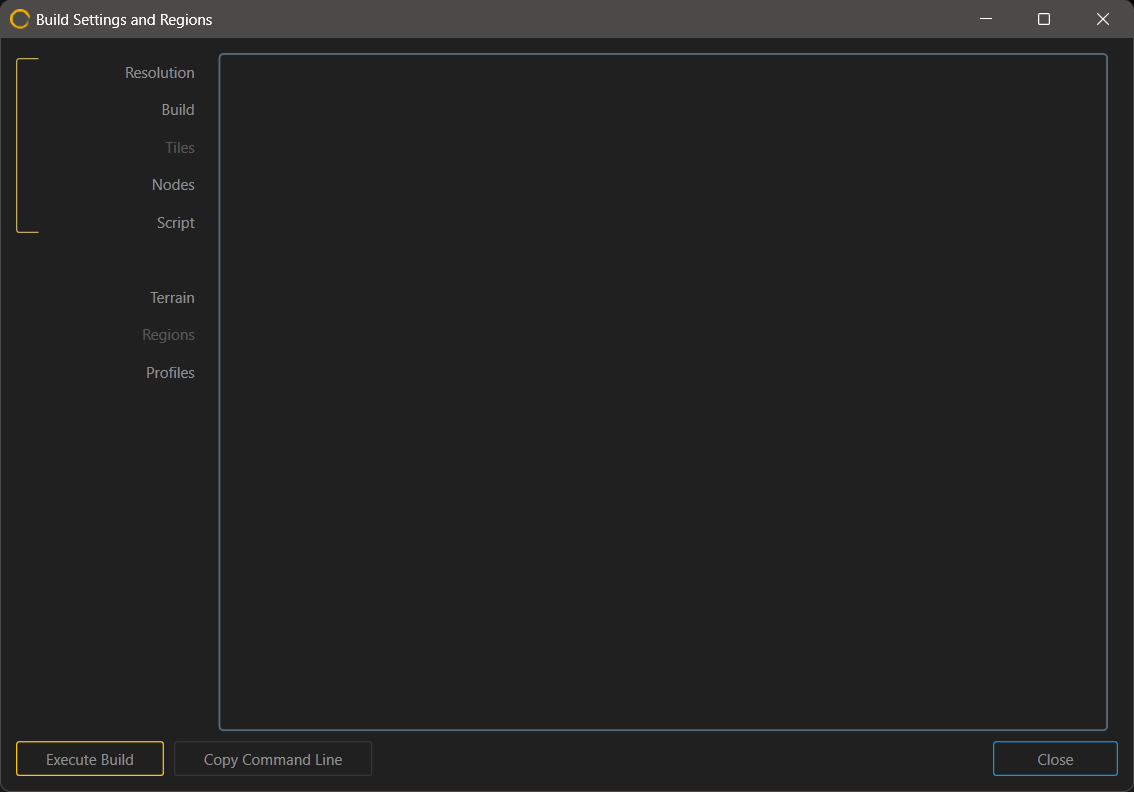
| Tab | Purpose |
|---|---|
| Resolution | Choose the build scope, resolution, subdivision mode, and output layout. |
| Build | Set the build destination, filename behavior, and overwrite handling. |
| Tiles | Configure tile naming, organization, overlap, and axis handling. |
| Nodes | Select exportable ports and per-node output settings. |
| Script | Run post-build commands automatically after a build finishes. |
| Terrain | Define terrain width, height, and real-scale values in the Terrain Definition panel. |
| Regions | Create focused high-detail regions inside a larger terrain. |
| Profiles | Save and recall complete sets of build settings. |
| Commands | Start the build or copy the generated command line. |
How the tabs work together
Two tabs usually define the foundation of a build:
- Resolution determines how many pixels are used to represent the build.
- Terrain defines the physical size of the world through the Terrain Definition settings.
Together, those settings determine the terrain's meters-per-pixel value and help keep erosion, scale judgments, and downstream exports grounded in a realistic size.
For background on scale, see Scale and Resolution and Dimensions and Scale.
 using AngryMonkey