
Colorizing in Gaea is built around masks. A terrain's height, slope, curvature, flow, soil, and other derived data can drive gradients, SatMaps, layered materials, and exported masks for downstream tools.
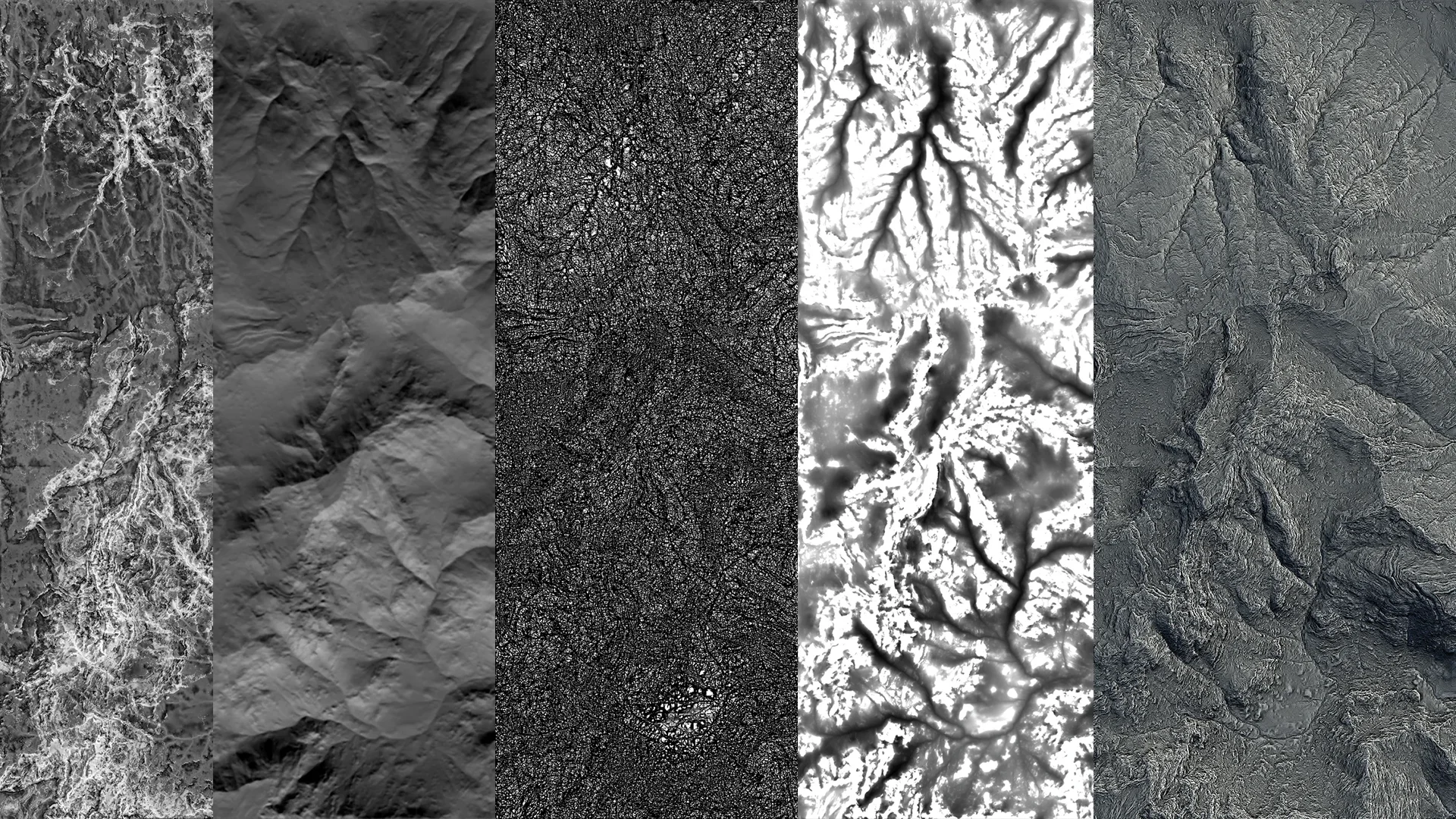
The goal is not only to make the viewport look finished. Good color and texture graphs also produce useful production data: albedo or diffuse maps, splat masks, erosion masks, vegetation masks, wetness masks, and other control maps that can be used in engines and DCC applications.
Core Ideas
Crafting Masks explains how grayscale masks and color lookup tables shape most texture workflows. A mask can distribute a gradient by elevation, isolate steep slopes, follow erosion flow, or target specific terrain features.
Working with SatMaps covers Gaea's satellite-derived color maps. SatMaps are useful for fast natural color variation, especially when combined with masks or refined through other color nodes.
Synthesizing Colors shows how Synth can convert an existing color source into an editable gradient. This is helpful when you want to extract a palette from a map and then art-direct it inside Gaea.
Layering Textures focuses on the Mixer node, which lets you stack multiple color layers and control them with terrain masks.
ColorErosion applies sediment-style logic to color maps so color can flow, collect, and weather in a way that follows the terrain.
Useful Data Sources
- Aspect maps such as Height, Slope, Angle, Curvature, and Peaks help isolate structural terrain features.
- Generative maps such as FlowMap, Soil, RockMap, Occlusion, TextureBase, and Texturizer create more natural variation than simple height or slope masks alone.
- Simulation outputs from erosion, snow, water, debris, or vegetation can become highly specific masks for color and material work.
Practical Workflow
- Start with large color zones, usually driven by height, slope, or a SatMap.
- Add feature masks from erosion, soil, flow, rock, or occlusion data.
- Layer secondary color variation with Mixer or additional CLUT-style nodes.
- Keep important masks available for export if they will drive materials, scattering, or landscape layers in another application.
- Check exported maps as data, not just as viewport color, especially for masks and splat maps.
 using AngryMonkey